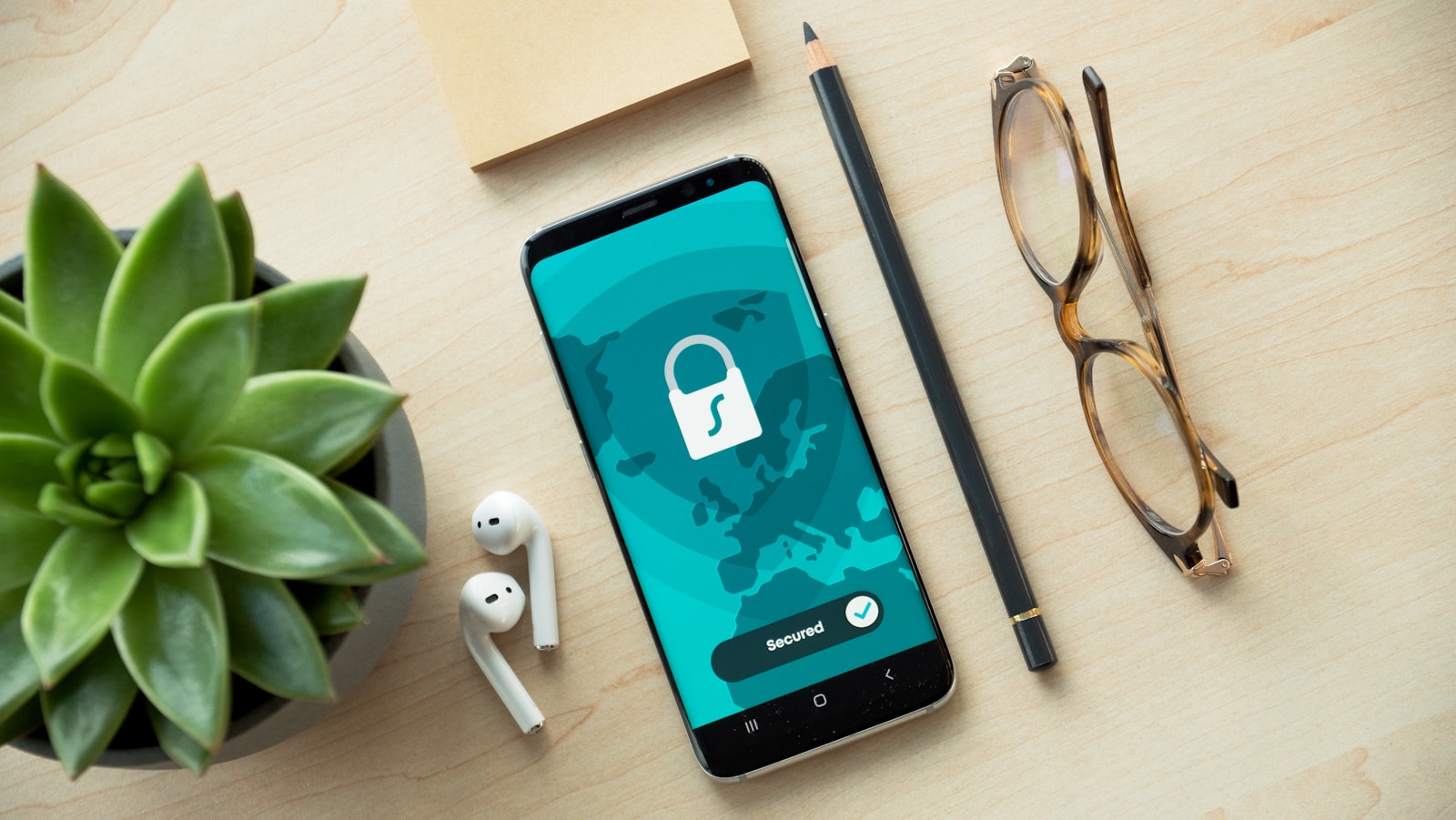
How to Improve Your Online Security with a Password Manager
Let’s be honest – passwords can be one of the most frustrating aspects of online security. There are too many to remember, it’s too easy to reuse your favourite one multiple times on different sites (a big no-no), and it’s always far too simple to write it on a sticky note that lives close to your keyboard. Even worse – how many people still write them all in a little black book that occasionally travels all around the world, just itching to be left on a bus in Morocco, a tube in London or at the Airbnb in Queenstown! Yes – that actually happens and if that doesn’t make your jaw drop or send a shiver down your spine – then we need to have a serious talk!
At Purple Dog, we work with a wide range of SME business clients from all over the world. One thing we have always championed is good security. Whether we are talking about your website login, your bank account, your email or your social media account – now more than ever – it’s essential to have a robust security policy and to stay safe online.
In our day to day working life, we still visit clients who are writing down passwords, or storing them in an XL spreadsheet or a Word document, shared with their colleagues via email! This is a ‘ticking time bomb’ and it’s not a question of ‘if’ but more like ‘when’ an online security nightmare could occur. One of the simplest (and most effective) recommendations we make to clients is to utilise a proper password manager. It’s a small change that delivers a huge upgrade in security, especially for small and medium-sized businesses.
Why Every Small Business Needs a Password Manager
Most hacking and security incidents that we are asked to help sort out often start with:
- Reused passwords
- Weak or predictable logins
- Shared credentials floating around email or in a spreadsheet
For small businesses, the risk is amplified because there are usually fewer internal controls and more cloud tools than ever before means that one compromised password can open a lot of doors — none of them good ones, all of them costly.
A password manager removes the weakest part of the equation. Instead of relying on memory (or worse, spreadsheets), your passwords are generated, stored, and protected properly.
The Hidden Cost of Weak Passwords for SMBs
Weak passwords don’t just create security risk — they quietly cost time and money.
Think:
- Staff locked out of systems
- Time wasted resetting credentials
- Productivity losses when access breaks
- Stress when someone leaves and shared passwords need changing everywhere
A password manager centralises and controls access, so your business keeps moving without unnecessary friction.
Finding the Best Business Password Manager in 2025
There are plenty of password managers out there — but not all are created equal for business use.
You’ll need to make your own mind up about which product to choose, but when we assess tools for clients, we look for:
- Strong encryption and modern security standards
- Easy setup for non-technical teams
- Secure sharing (without exposing passwords)
- Multi-factor authentication (MFA)
- Visibility and control for business owners
Some contenders are 1Password, Bitwarden, NordPass, Keeper and LastPass.
2026 Comparison: Password Manager Pricing (NZD)
These are estimated costs in NZD based on April 2026 exchange rates (~$1.70 NZD) and include the standard 15% GST for digital services.
Annual billing estimates in NZD and including GST.
| Service | Free Tier | Personal (Annual) | Family (Annual) | The “Catch” or Perk |
| Bitwarden | Yes (Best) | ~$39 | ~$94 (6 users) | Open-source; best for privacy. |
| NordPass | Yes (Limited) | ~$37* | ~$65* (6 users) | Often has massive “new user” deals. |
| LastPass | Yes (1 device) | ~$70 | ~$94 (6 users) | Free is restricted to mobile OR PC. |
| 1Password | No | ~$93 | ~$140 (5 users) | Polished UI; “Travel Mode” included. |
| Keeper | Yes (10 items) | ~$94 | ~$200 (5 users) | Includes 10GB secure file storage. |
Why We Recommend a Password Manager
So long as you choose a secure, cloud-based password and identity manager – you can’t really lose – they are designed to make life easier and safer.
Some standout reasons why we recommend a password manager:
- Secure password vault for passwords, passkeys, notes, files, and payment details
- Automatic syncing across devices, so your team can work anywhere
- Password generator to eliminate weak or reused passwords
- Secure sharing, even with people who don’t yet use a password manager
- Security dashboard highlighting risks before they become problems
- Dark web monitoring to alert you if credentials appear in breaches
- Team capabilities so you can manga all of your staff accounts easily
Pairing this an Authenticator (such as Google Auth, Microsoft Auth or LastPass Auth) adds an extra layer of protection through passwordless login, biometrics, or one-time approvals — significantly reducing the risk of unauthorised access.
For growing teams, a business plan will usually also include advanced features like SaaS monitoring, usage visibility, and MFA controls, giving business owners clarity over how tools and logins are actually being used.
Final Thoughts
Improving your online security doesn’t have to be expensive or complicated. A password manager is one of the highest-impact, lowest-effort upgrades you can make.
If you’re unsure where to start, or want help setting up your password manager properly for your team, Purple Dog can help you get it right — securely, sensibly, and without slowing anyone down.
We are also happy to offer a basic security Audit and make recommendations on your secu
Just get in touch to set an appointment.